Draw and refine
Prepare technical drawings with line, polyline, hatch and editing tools.
LINE / PLINE / HATCHProducts / ioCAD
From 2D drafting to 3D modeling, from the first sketch to the final sheet. Design, detail and create in a familiar workspace.
ioCAD is a desktop CAD application developed in Türkiye. Build your project with lines, layers, blocks and dimensions, then share it through sheet layouts and PDF output.
Explore all featuresPrepare technical drawings with line, polyline, hatch and editing tools.
LINE / PLINE / HATCHTurn your drawing into a clear project with dimensions, text, blocks and layers.
DIM / MTEXT / BLOCKMove from model space to paper space. Arrange viewports and create PDF output.
LAYOUT / VIEWPORT / PLOT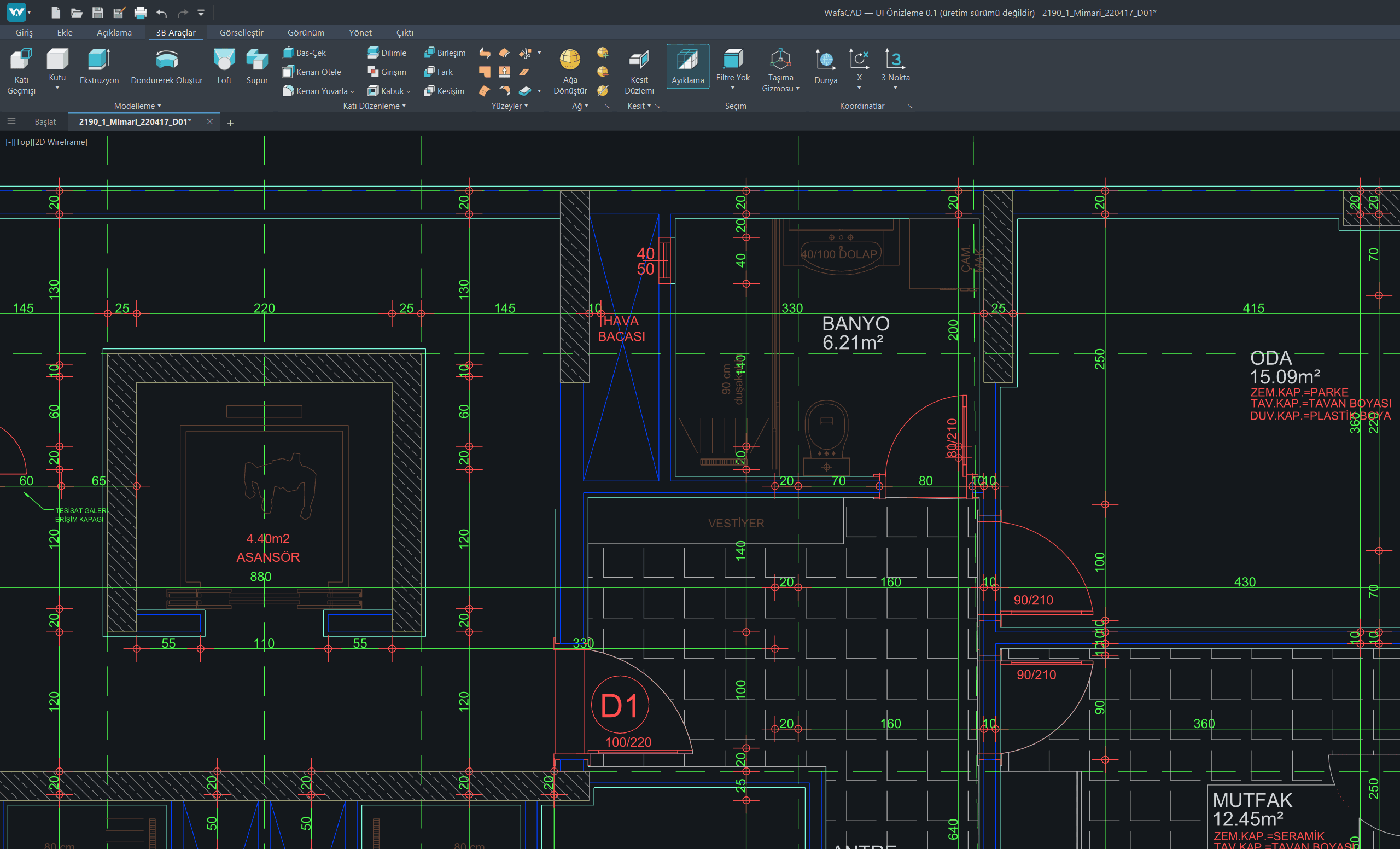 3D modeling · Development build
FROM IDEA TO PROJECT
The command line, ribbon tools and properties panels in one drawing environment. Open existing DWG and DXF files, edit your drawing and save your work.
Explore product features →File and 3D compatibility continue to be developed through beta acceptance testing.Manage your license and activated devices from one account.
Sign up →Find published Windows packages and release notes.
View downloads →Connect your account from the application and activate your license.
Go to my account →ioCAD is a desktop CAD application for Windows. It brings together 2D drafting, detailing, layouts and 3D modeling workflows.
The 90-day beta trial starts at the first license activation. Activating another computer does not restart the trial.
The download center lists published versions, package information and release notes. If no build is published yet, you can use the early access form.
You can activate your license on multiple computers, with use on one computer at a time.
View licenses and devices, verify your email address and approve activation requests initiated from the application.
Explore the product. Create your account. Follow new releases.